Floating Ball
Keep a small control on screen and open your action menu instantly.
One tap to everything.
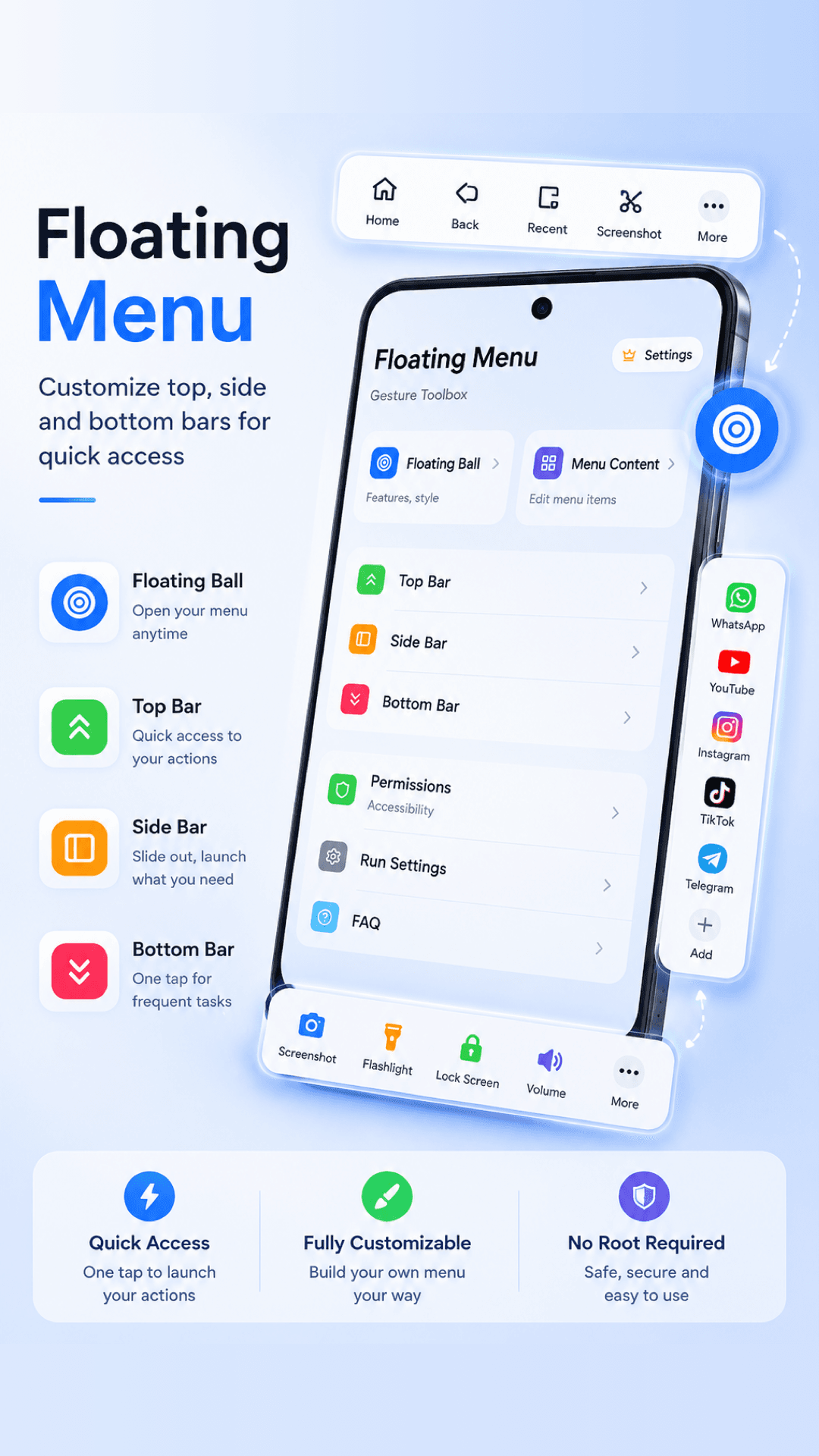
Floating Menu gives Android users a fast, customizable control for favorite actions, apps, screenshots, and everyday shortcuts without switching away from the current screen.
Fast
access
Custom
menus
Secure
controls
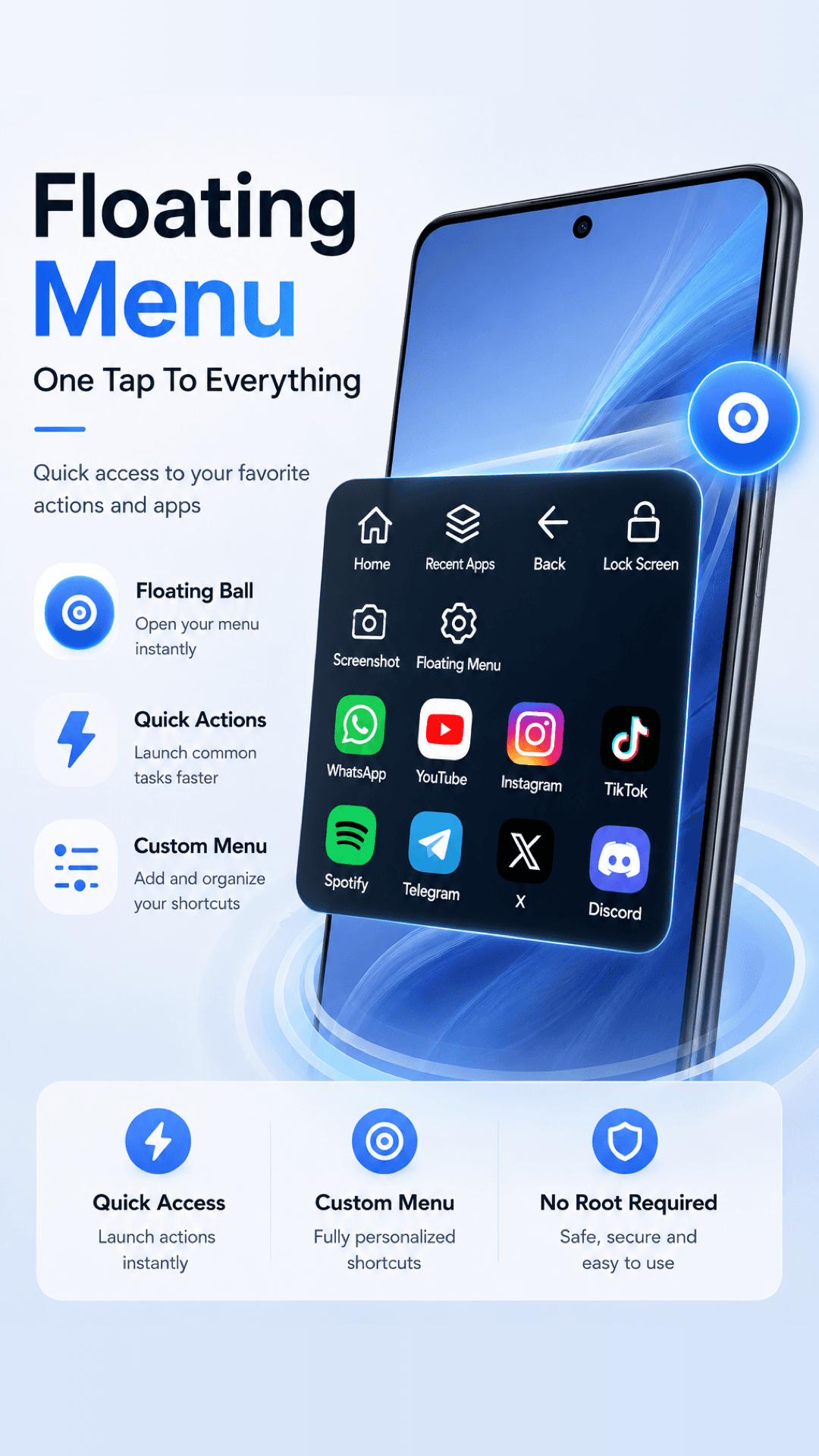
Create a personal command center that stays available while you read, message, watch videos, play games, or work across apps.
Keep a small control on screen and open your action menu instantly.
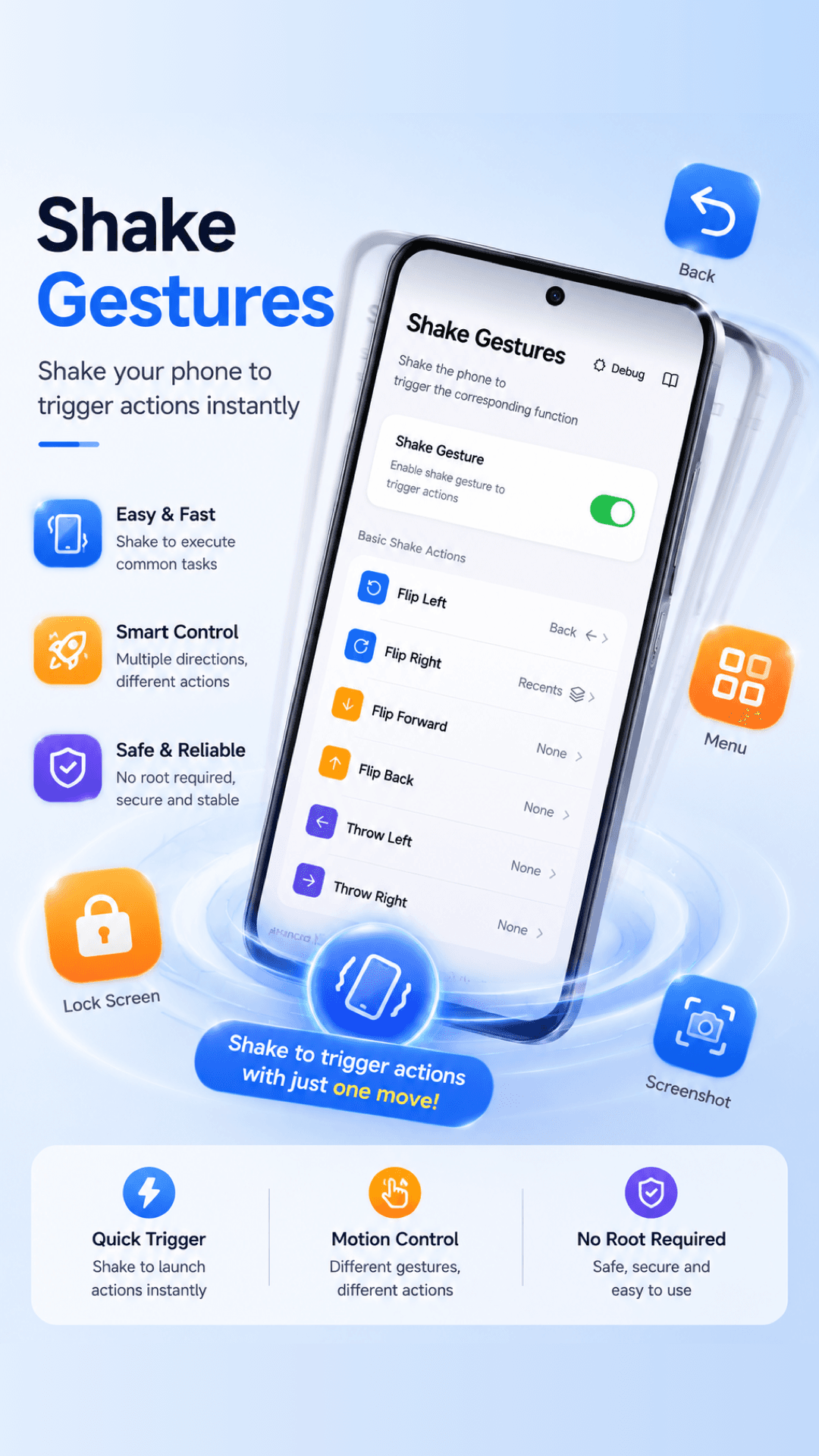
Run common Android actions such as Back, Home, Recent Apps, screenshot, and lock screen.
Arrange apps, tools, and personal shortcuts into a menu that matches your workflow.
Designed for everyday Android devices with user-granted system permissions.
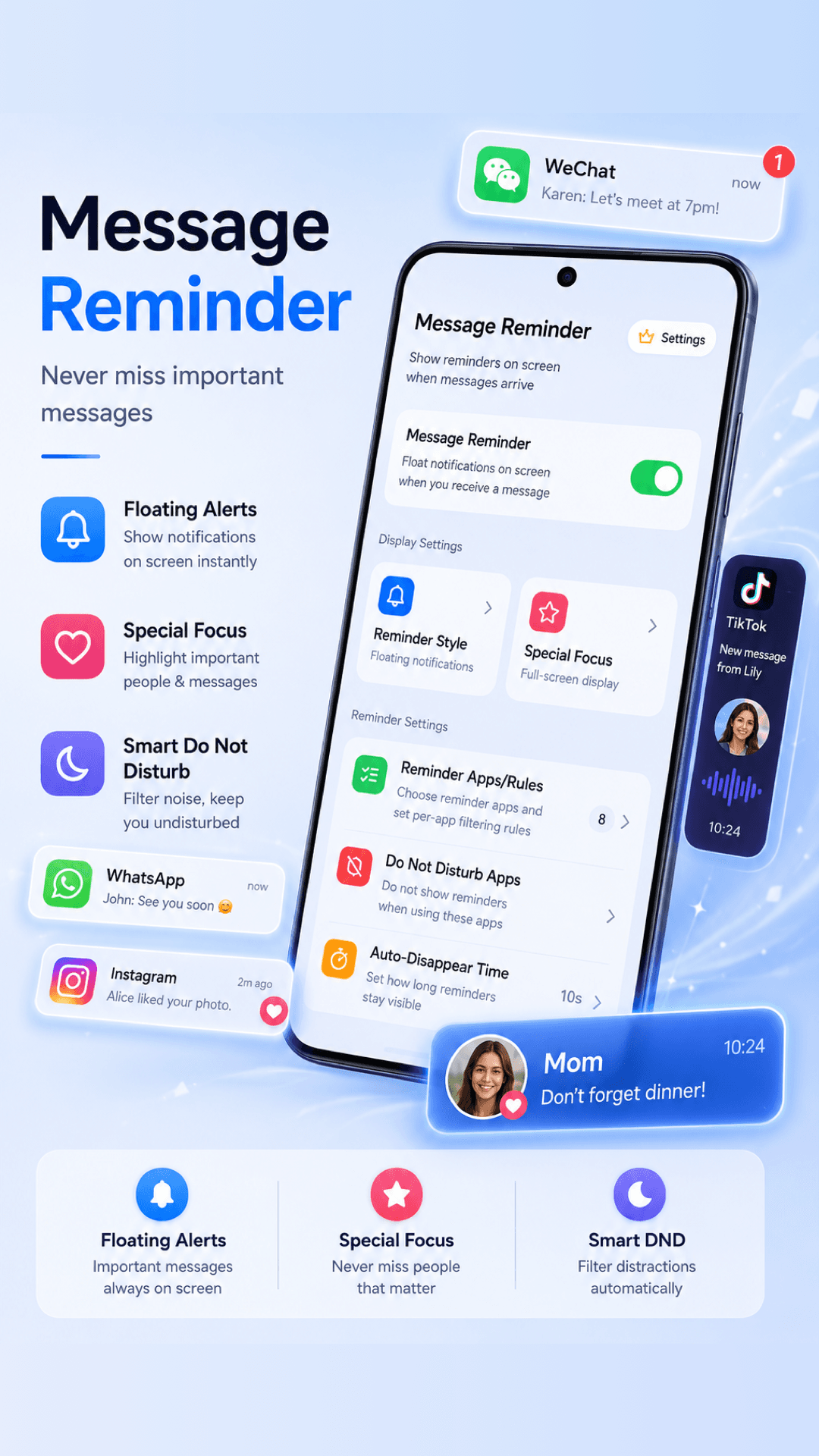
Floating Menu is designed around visible, user-controlled actions. You decide what appears in the menu and when advanced permissions are enabled.
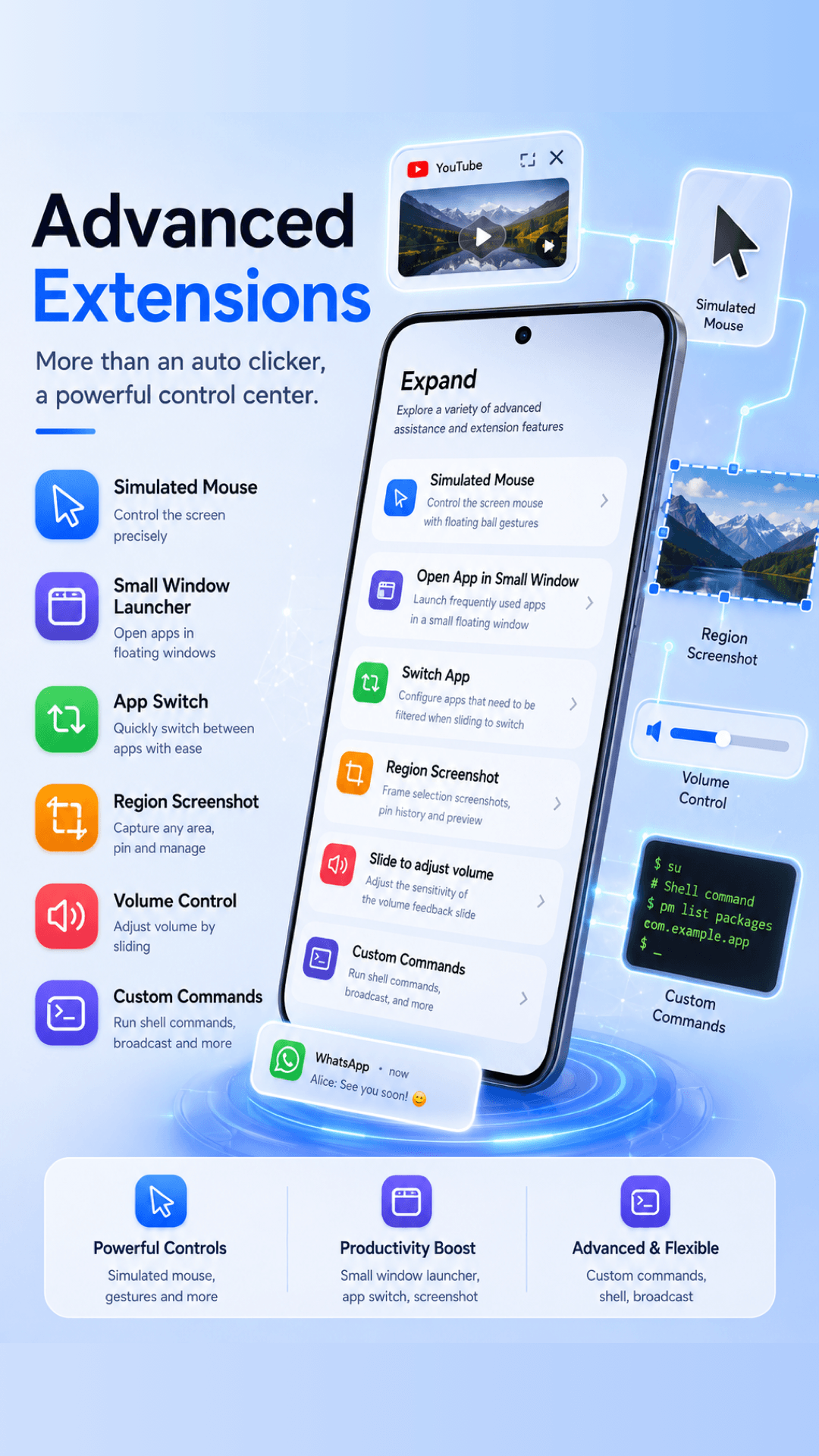
Install Floating Menu from Google Play and configure your own floating controls in minutes.